01
Set the options
Use the toolbar to choose the month and year, layout, paper size, orientation, week start and holidays.
This 6 month calendar shows half a year on one page: January to June on the first sheet and July to December on the second. Start on any month to plan the next six months, then print or save a PDF.
January
2026| S | M | T | W | T | F | S |
|---|---|---|---|---|---|---|
February
2026| S | M | T | W | T | F | S |
|---|---|---|---|---|---|---|
March
2026| S | M | T | W | T | F | S |
|---|---|---|---|---|---|---|
April
2026| S | M | T | W | T | F | S |
|---|---|---|---|---|---|---|
May
2026| S | M | T | W | T | F | S |
|---|---|---|---|---|---|---|
June
2026| S | M | T | W | T | F | S |
|---|---|---|---|---|---|---|
July
2026| S | M | T | W | T | F | S |
|---|---|---|---|---|---|---|
August
2026| S | M | T | W | T | F | S |
|---|---|---|---|---|---|---|
September
2026| S | M | T | W | T | F | S |
|---|---|---|---|---|---|---|
October
2026| S | M | T | W | T | F | S |
|---|---|---|---|---|---|---|
November
2026| S | M | T | W | T | F | S |
|---|---|---|---|---|---|---|
December
2026| S | M | T | W | T | F | S |
|---|---|---|---|---|---|---|
The page opens on the current year in landscape, with three months across and two rows. Two pages cover the year. Set Start Month to the current month if you want to see the next six months on the first page, or to August or September to print a school year as two half-year sheets.
Six months on a sheet is good for seeing dates and holidays at a glance, but the boxes are small for writing. Print on 11×17 for a wall planner with more space, or use 4 Months / Page if you want larger boxes on Letter or A4.
Press Print or Download PDF. There is nothing to sign up for, and nothing is added to the page you print.
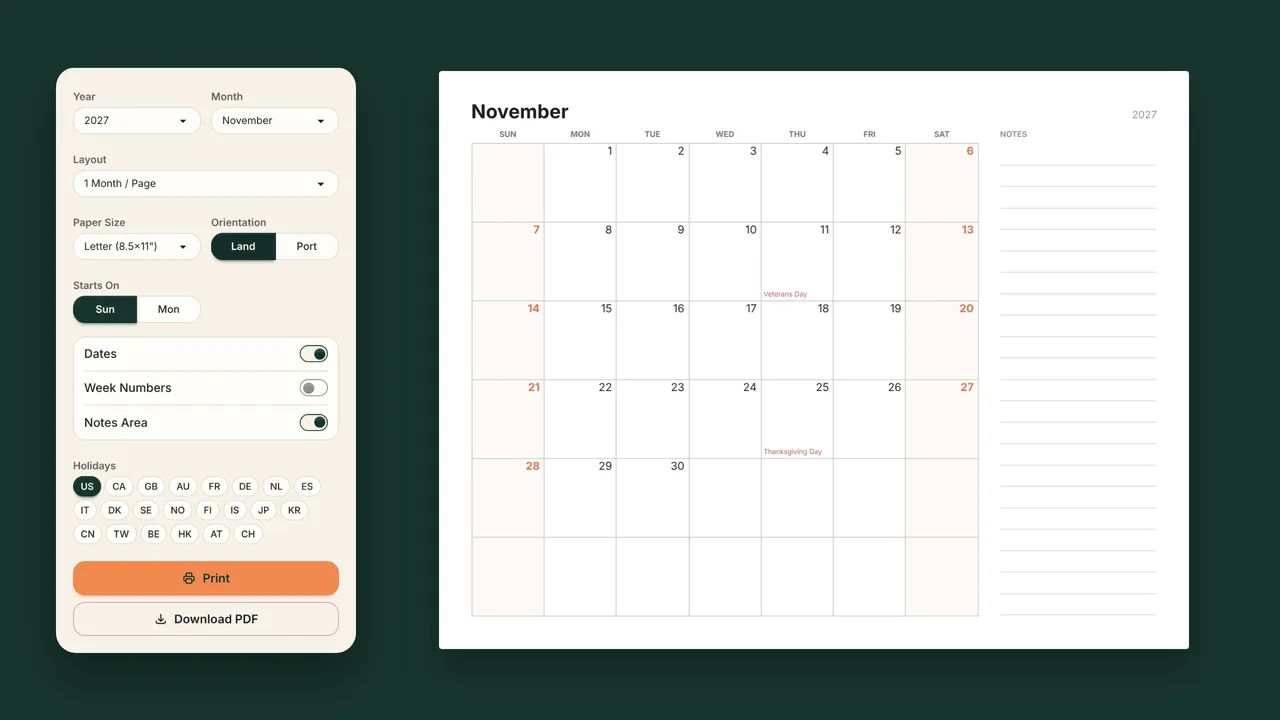
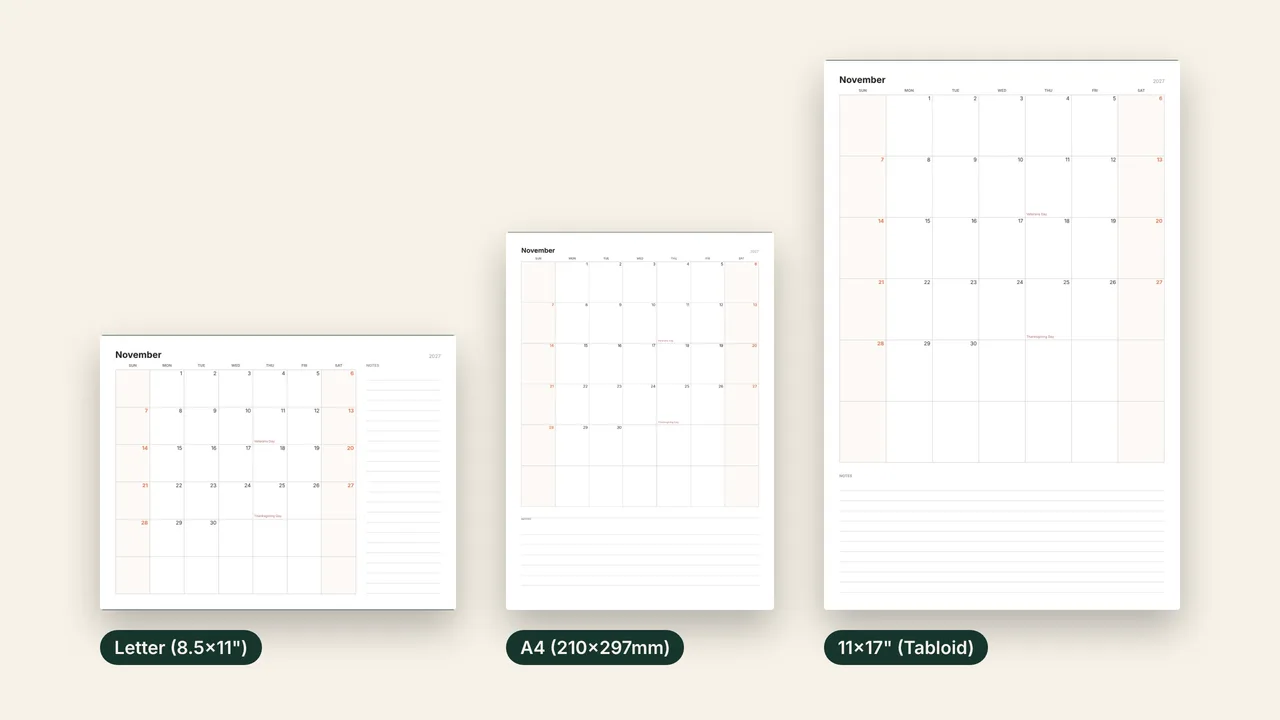
Choose the paper size and orientation in the toolbar. US Letter is the default. The PDF is drawn as vector graphics, so it prints sharp at every size.
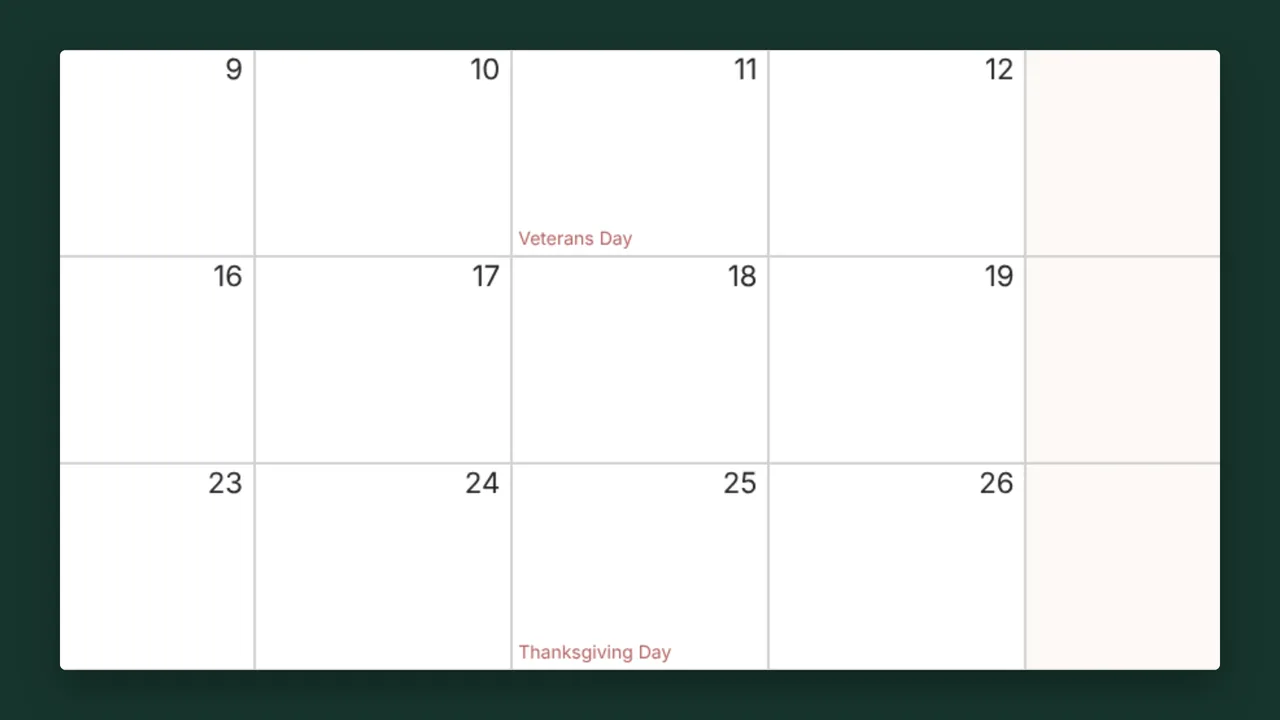
US federal holidays are on by default. Switch to Canada, the UK, Australia, Germany, Japan or 16 other countries, combine several, or turn holidays off.
Use the toolbar to choose the month and year, layout, paper size, orientation, week start and holidays.
The preview changes as soon as you change an option, and the printout matches it.
Print opens your browser's print dialog. Download PDF saves the file to your device.
Set Start Month to the current month. The first page then shows this month and the five after it, and the second page the six months after that.
Yes. Both halves are in the PDF; in your printer's dialog, choose page 1 for the first six months or page 2 for the second six.
Letter or A4 for a binder or desk. 11×17 for a wall or a fridge, where the bigger boxes leave room to mark trips, school breaks or deadlines.
Yes. US federal holidays are marked by default, and you can choose 21 other countries or turn them off. On smaller boxes, long holiday names may be shortened or left out; 11×17 paper shows more of them.