01
Set the options
Use the toolbar to choose the month and year, layout, paper size, orientation, week start and holidays.
This printable monthly calendar puts one month on each page, with large date boxes and an optional notes column. Choose US Letter or A4, pick the month, then print or download a PDF. No sign-up, no watermark.
November
2026| SUN | MON | TUE | WED | THU | FRI | SAT |
|---|---|---|---|---|---|---|
| Veterans Day | ||||||
| Thanksgiving Day | ||||||
NOTES
The page shows one month in a 7-column grid, Sunday through Saturday, with US federal holidays marked. It opens on the current month; change the month and year (2026 to 2030) in the toolbar. Choose landscape for a wall or desk, portrait for a binder, and show or hide the lined notes column. Turn holidays off if you want a plain grid.
The PDF is drawn as vector graphics in your browser, so nothing is uploaded and no account is needed. It prints on US Letter (8.5×11 in), A4 (210×297 mm) or 11×17 in. To print every month of the year, set Month to All Months: you get 12 pages, one month per page, in a single PDF.
Each date has its own box in a 7-column grid. Holiday names print along the bottom edge, so the space above stays free for appointments and reminders.
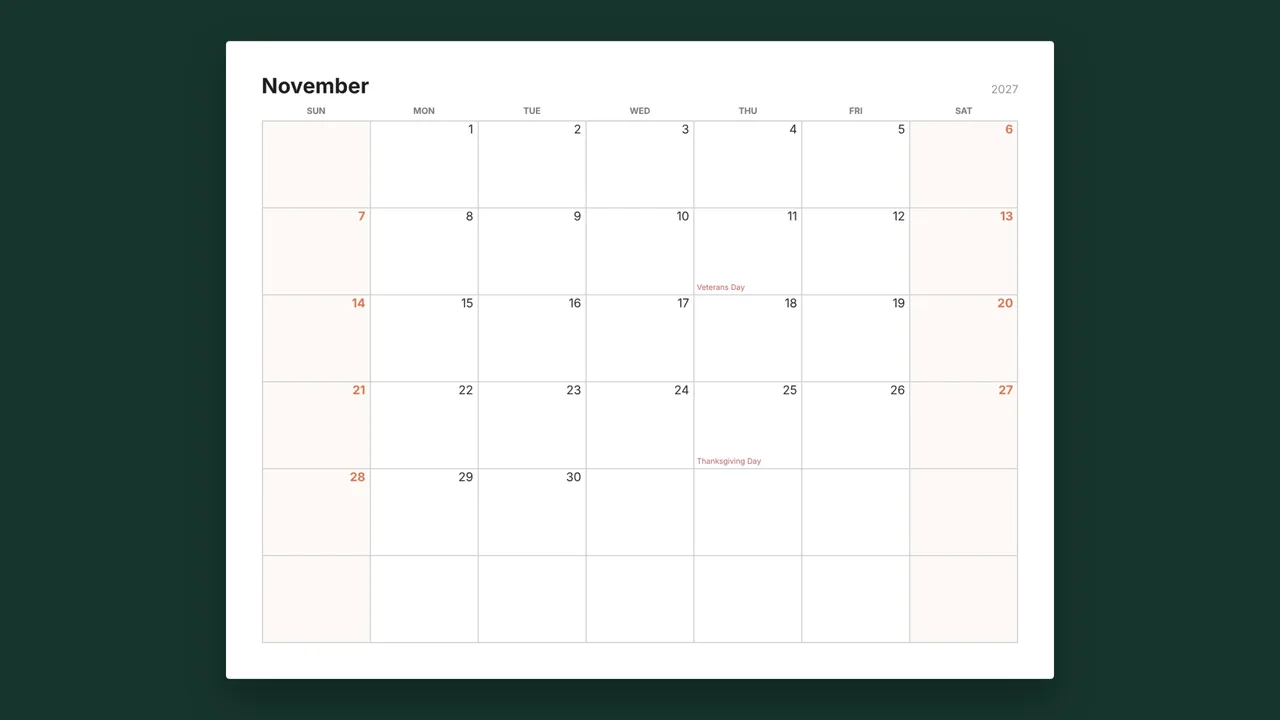
Landscape suits a wall, a fridge or a desk. Portrait fits a three-ring binder or a clipboard. Change Orientation in the toolbar before you print.
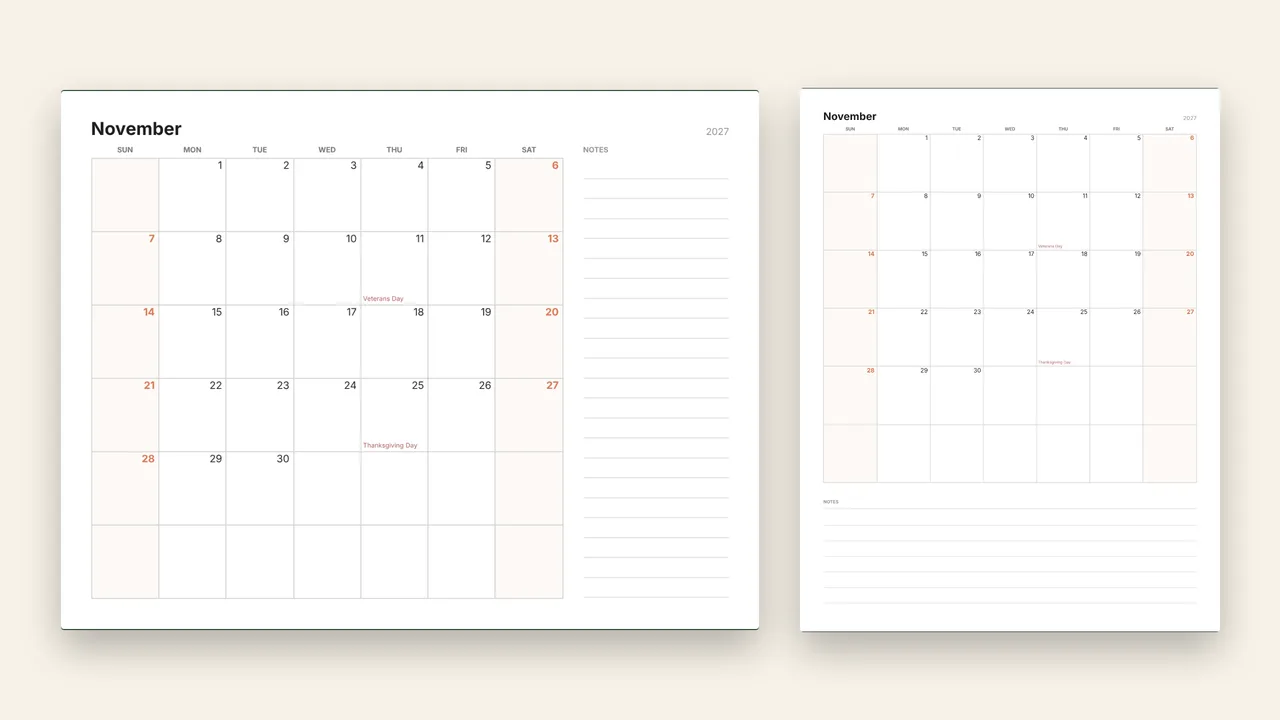
A lined notes column sits beside the grid in landscape and below it in portrait. A monthly calendar shows dates; a monthly planner adds room for goals and tasks. The notes column gives you that room.
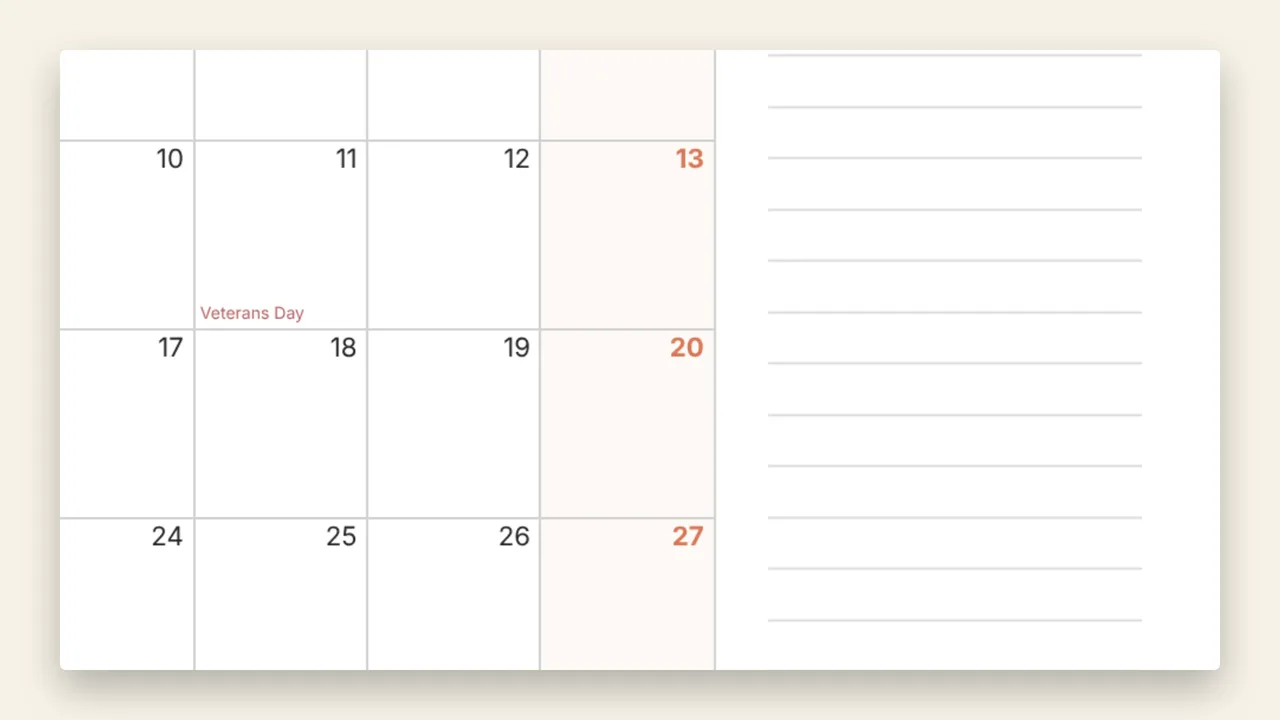
Use the toolbar to choose the month and year, layout, paper size, orientation, week start and holidays.
The preview changes as soon as you change an option, and the printout matches it.
Print opens your browser's print dialog. Download PDF saves the file to your device.
It is a single month on one page: a 7-column grid with a box for each date that you print and write in. This one is free to print or download as a PDF, with no account and no watermark.
Yes. Set Notes Area to Show in the toolbar; it is on by default here. A lined notes column appears to the right of the grid in landscape and below it in portrait. Notes are available on the 1 Month / Page layout only.
US Letter (8.5×11 in) is the default and fits any home printer. A4 (210×297 mm) is the standard in the UK, Australia and most other countries. 11×17 in gives larger date boxes for a wall calendar if your printer or a print shop can handle it.
Yes. Set Starts On to Mon in the toolbar. Sunday is the default because most US calendars start on Sunday. The Monday Start template opens with Monday already selected.
Change Month and Year in the toolbar and the preview updates right away. Choose All Months to get January through December, one month per page, in one PDF; for a school year, set Start Month to August or September and the 12 pages run into the next year. Years 2026 to 2030 are available.