01
Set the options
Use the toolbar to choose the month and year, layout, paper size, orientation, week start and holidays.
This 4 month calendar fits four months on each page in a two-by-two grid, so a whole year takes three pages: January to April, May to August and September to December. Choose the year and first month, then print or download a PDF.
January
2026| SUN | MON | TUE | WED | THU | FRI | SAT |
|---|---|---|---|---|---|---|
| New Year's Day | ||||||
| Martin Luther King Jr. Day | ||||||
February
2026| SUN | MON | TUE | WED | THU | FRI | SAT |
|---|---|---|---|---|---|---|
| Washington's Birthday | ||||||
March
2026| SUN | MON | TUE | WED | THU | FRI | SAT |
|---|---|---|---|---|---|---|
April
2026| SUN | MON | TUE | WED | THU | FRI | SAT |
|---|---|---|---|---|---|---|
May
2026| SUN | MON | TUE | WED | THU | FRI | SAT |
|---|---|---|---|---|---|---|
| Memorial Day | ||||||
June
2026| SUN | MON | TUE | WED | THU | FRI | SAT |
|---|---|---|---|---|---|---|
| Juneteenth | ||||||
July
2026| SUN | MON | TUE | WED | THU | FRI | SAT |
|---|---|---|---|---|---|---|
| Independence Day (substitute day) | Independence Day | |||||
August
2026| SUN | MON | TUE | WED | THU | FRI | SAT |
|---|---|---|---|---|---|---|
September
2026| SUN | MON | TUE | WED | THU | FRI | SAT |
|---|---|---|---|---|---|---|
| Labor Day | ||||||
October
2026| SUN | MON | TUE | WED | THU | FRI | SAT |
|---|---|---|---|---|---|---|
| Columbus Day | ||||||
November
2026| SUN | MON | TUE | WED | THU | FRI | SAT |
|---|---|---|---|---|---|---|
| Veterans Day | ||||||
| Thanksgiving Day | ||||||
December
2026| SUN | MON | TUE | WED | THU | FRI | SAT |
|---|---|---|---|---|---|---|
| Christmas Day | ||||||
The page opens on the current year, starting with January, in landscape. Each sheet shows four months, which suits planning by term or by four-month period, for example a school semester or a project that runs from September to December. Set Start Month to begin anywhere in the year; the three pages always cover 12 months in a row.
The date boxes are smaller than on a one-month page but still hold a number and a short word. If you need a little more space, switch Paper Size to 11×17; if you only need an overview, the one page year calendar shows all 12 months on a single sheet.
Press Print or Download PDF. There is nothing to sign up for, and nothing is added to the page you print.
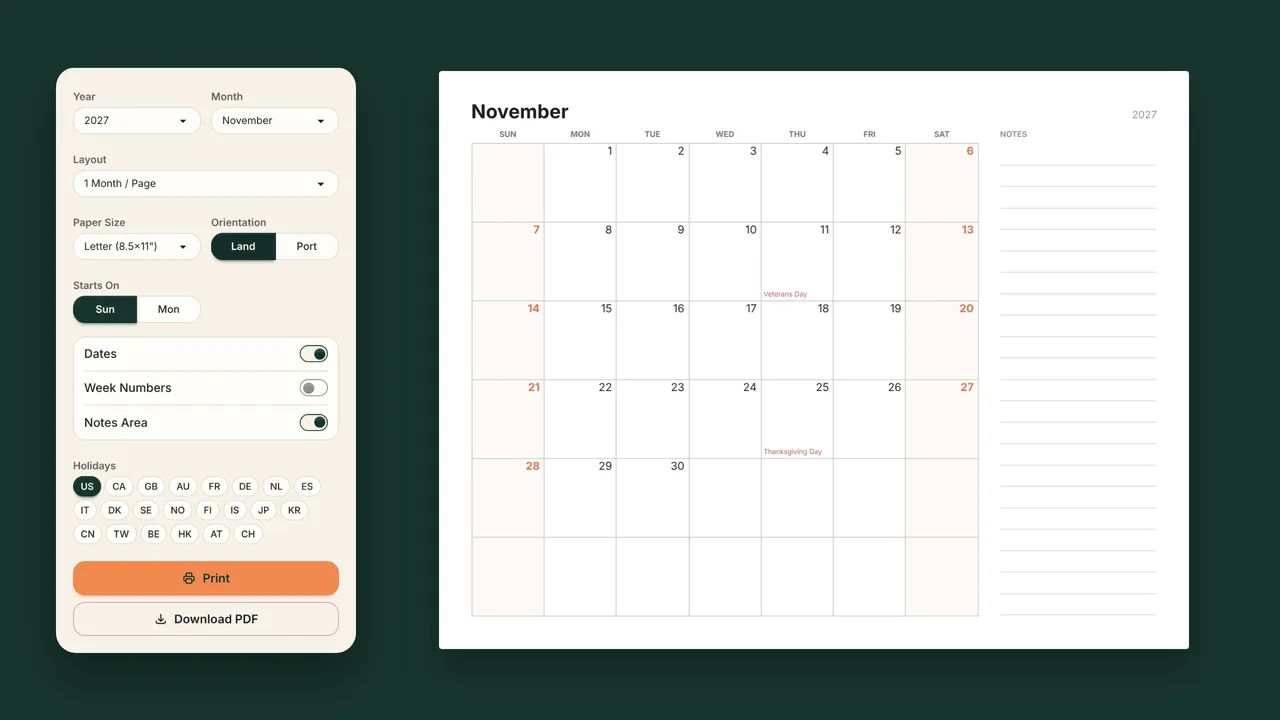
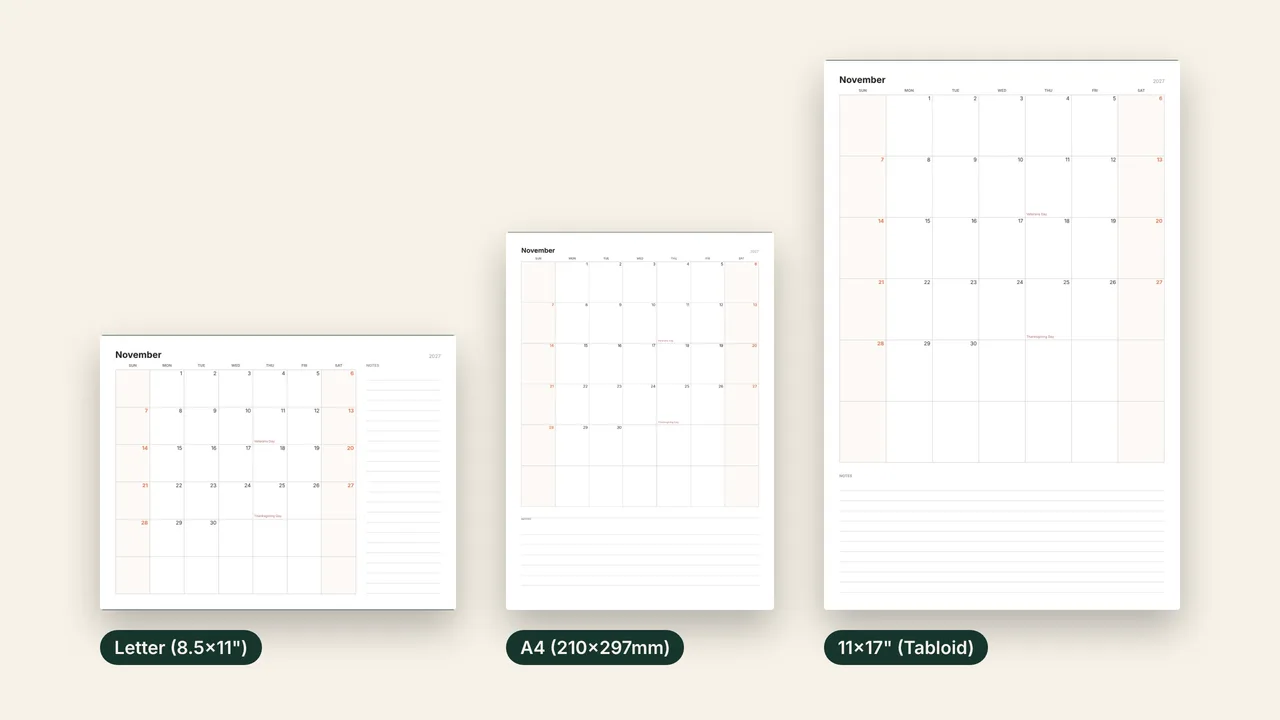
Choose the paper size and orientation in the toolbar. US Letter is the default. The PDF is drawn as vector graphics, so it prints sharp at every size.
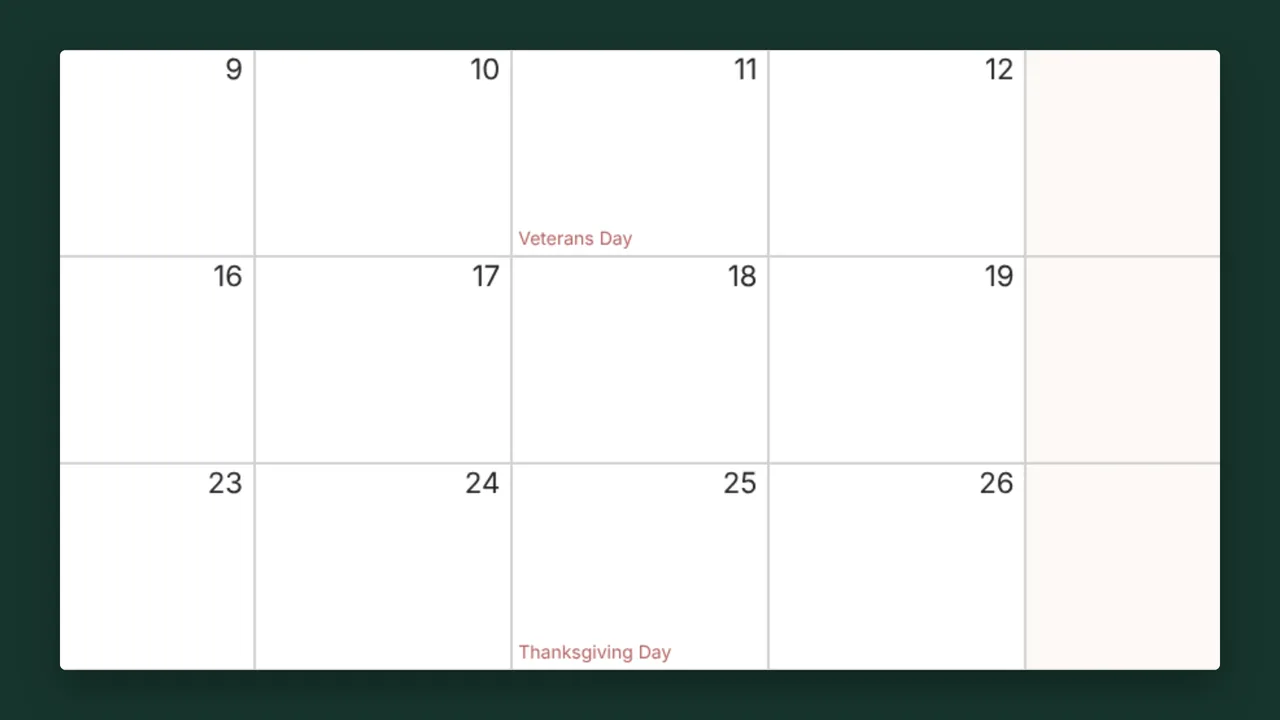
US federal holidays are on by default. Switch to Canada, the UK, Australia, Germany, Japan or 16 other countries, combine several, or turn holidays off.
Use the toolbar to choose the month and year, layout, paper size, orientation, week start and holidays.
The preview changes as soon as you change an option, and the printout matches it.
Print opens your browser's print dialog. Download PDF saves the file to your device.
Three pages: four months on each. With Start Month left at January they are January–April, May–August and September–December.
Yes. Set Start Month to this month. The calendar then runs for 12 months from there and continues into next year if needed.
Not quite: a quarter is three months, and this layout shows four. For a three-month view, print 1 Month / Page and keep three pages together, or use 6 Months / Page for a half-year.
Both keep the two-by-two grid. Landscape gives each month a wider, shorter grid; portrait makes the months taller, which leaves taller date boxes.