This website
Blank, ready-to-print templates
- Generate clean monthly and yearly calendars in your browser
- No account, no app install, works on any device
- Best when you want a fresh, empty calendar to fill in by hand
iOS App
Print Calendar PDF turns the events and reminders already on your iPhone into beautiful, printable PDF planners — monthly grids or agenda lists. Everything is generated on your device, so your schedule never leaves your phone.
Requires iOS 17 or later · Also on iPad, Mac & Apple Vision Pro
Scan to download
Opens the App Store on your iPhone
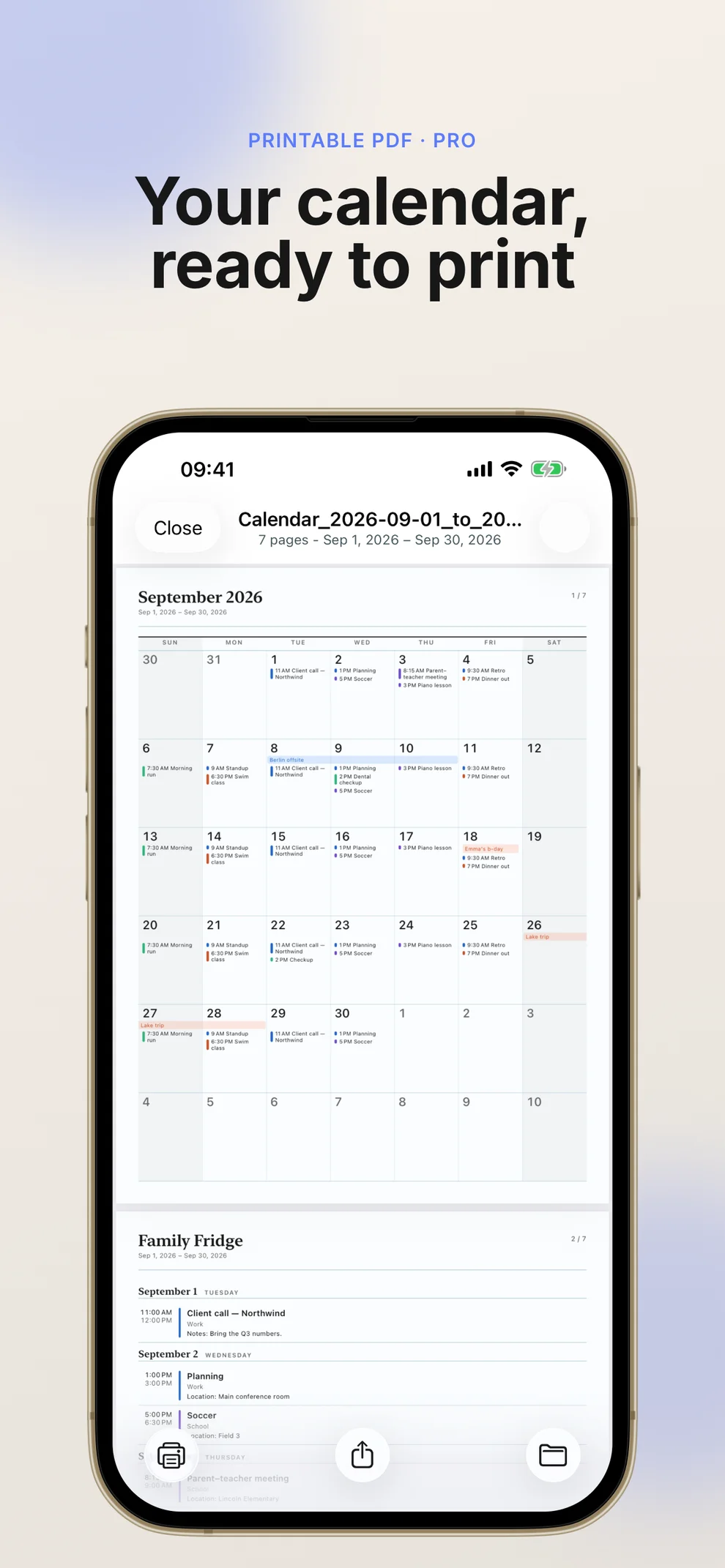
Real App Store screenshots in order — auto-scrolling gallery.
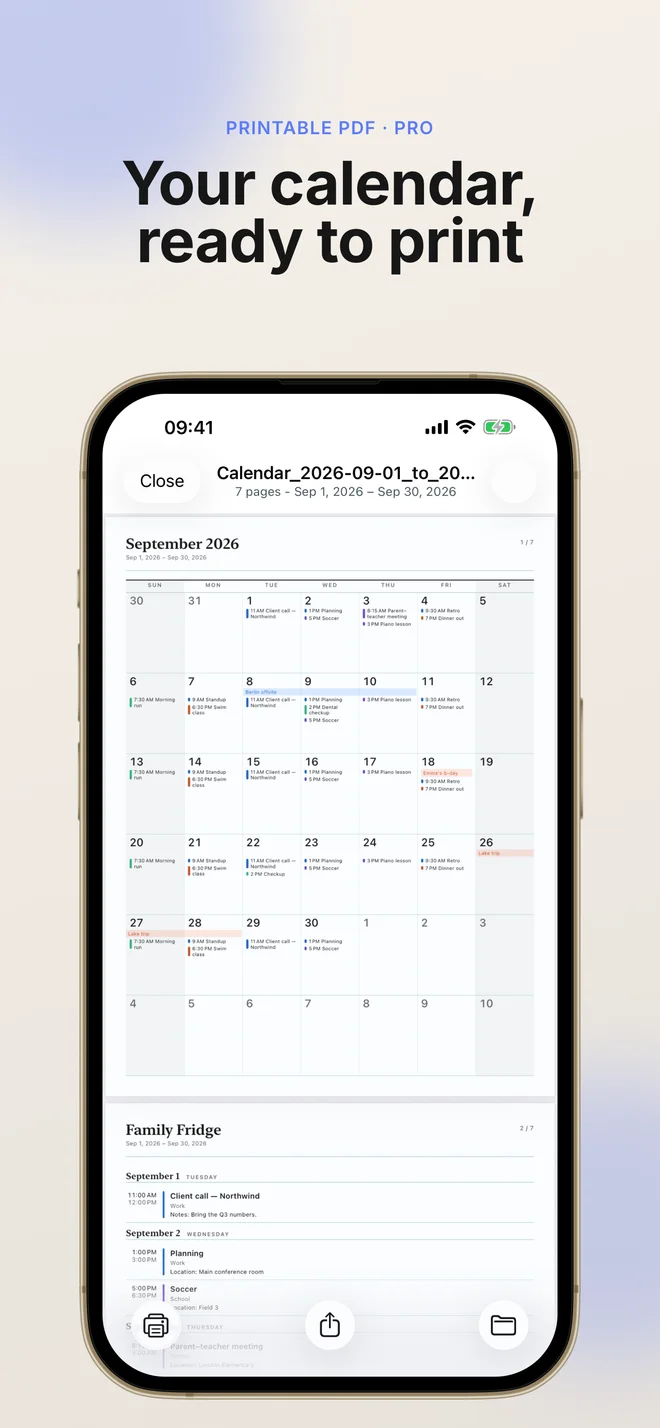
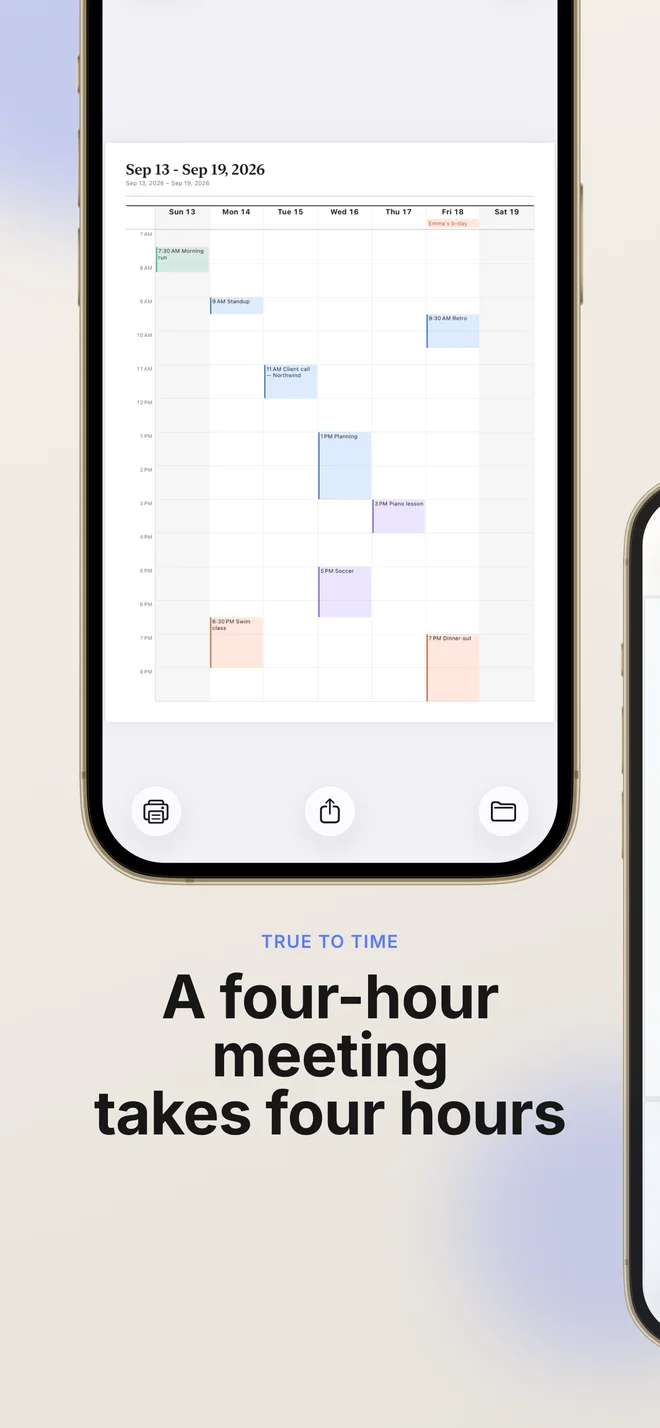
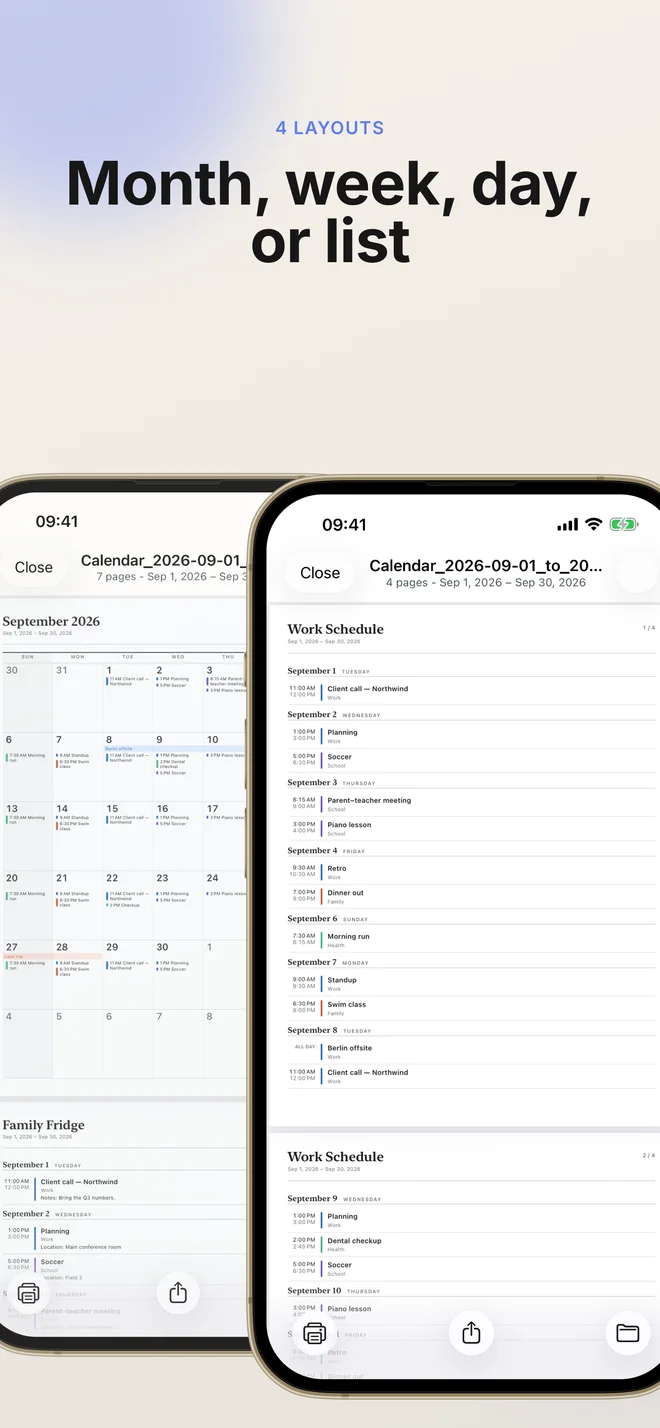
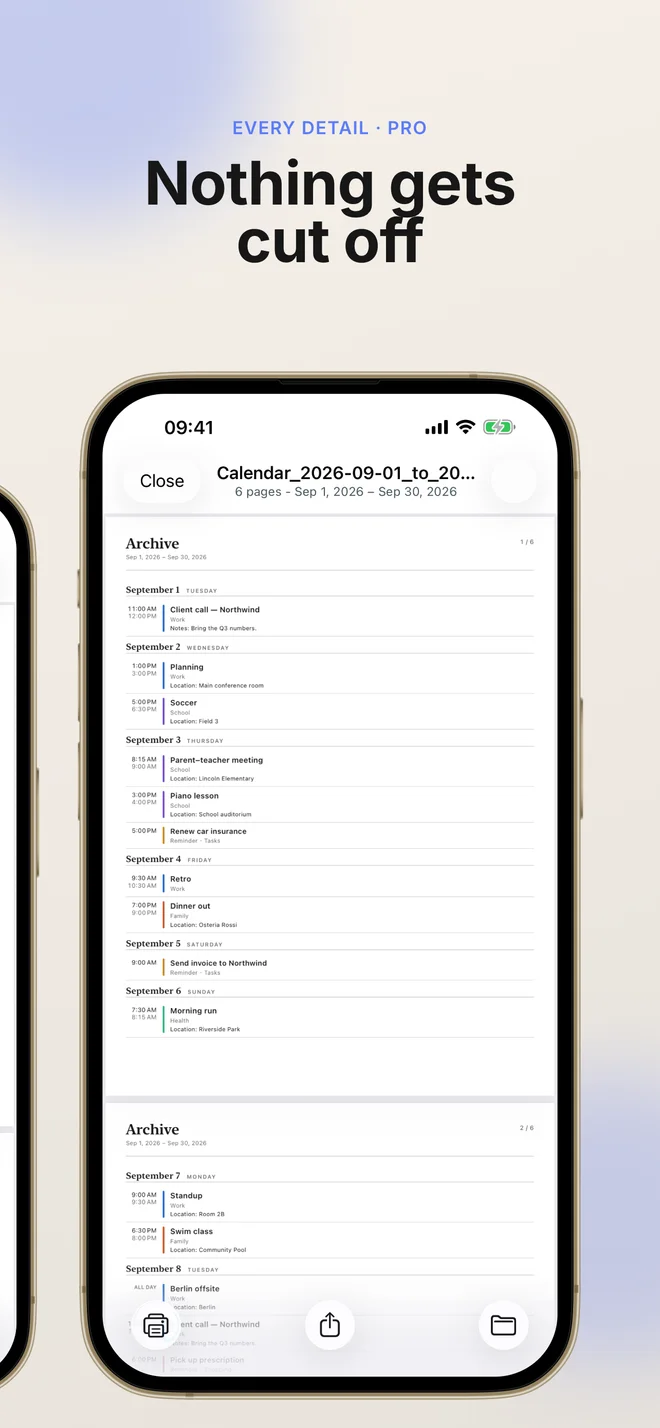
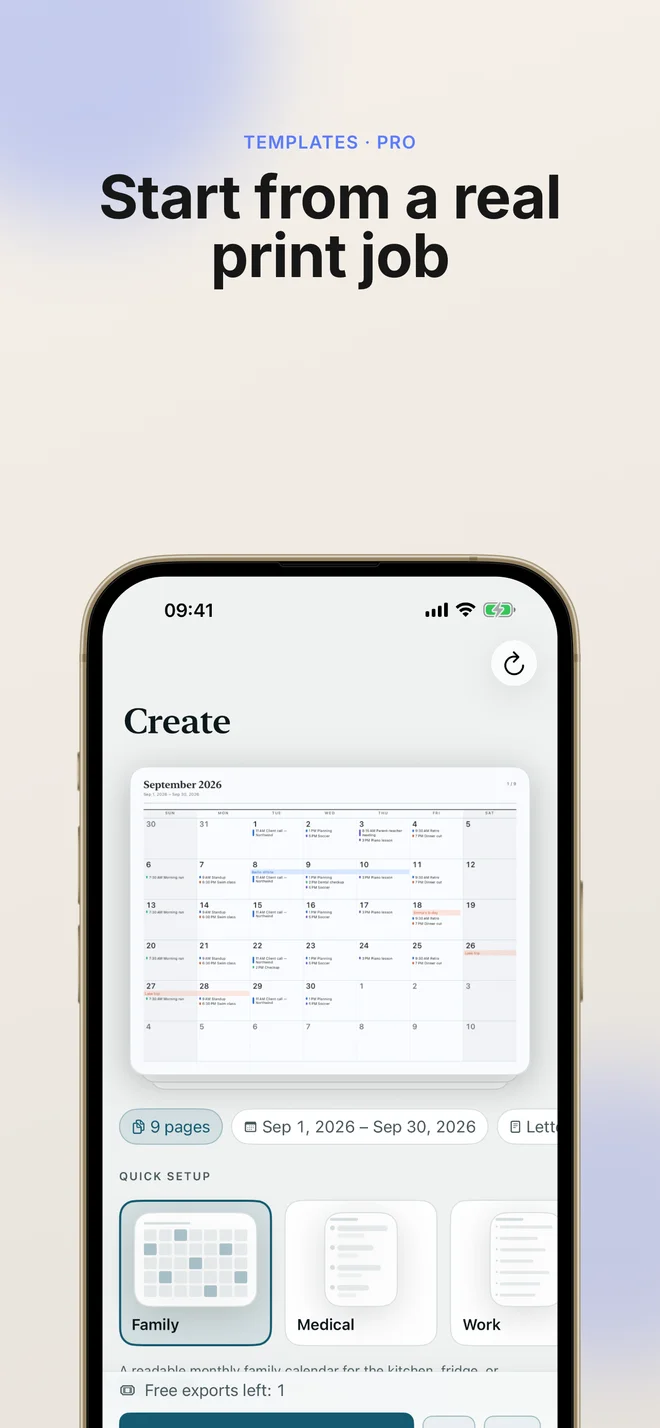
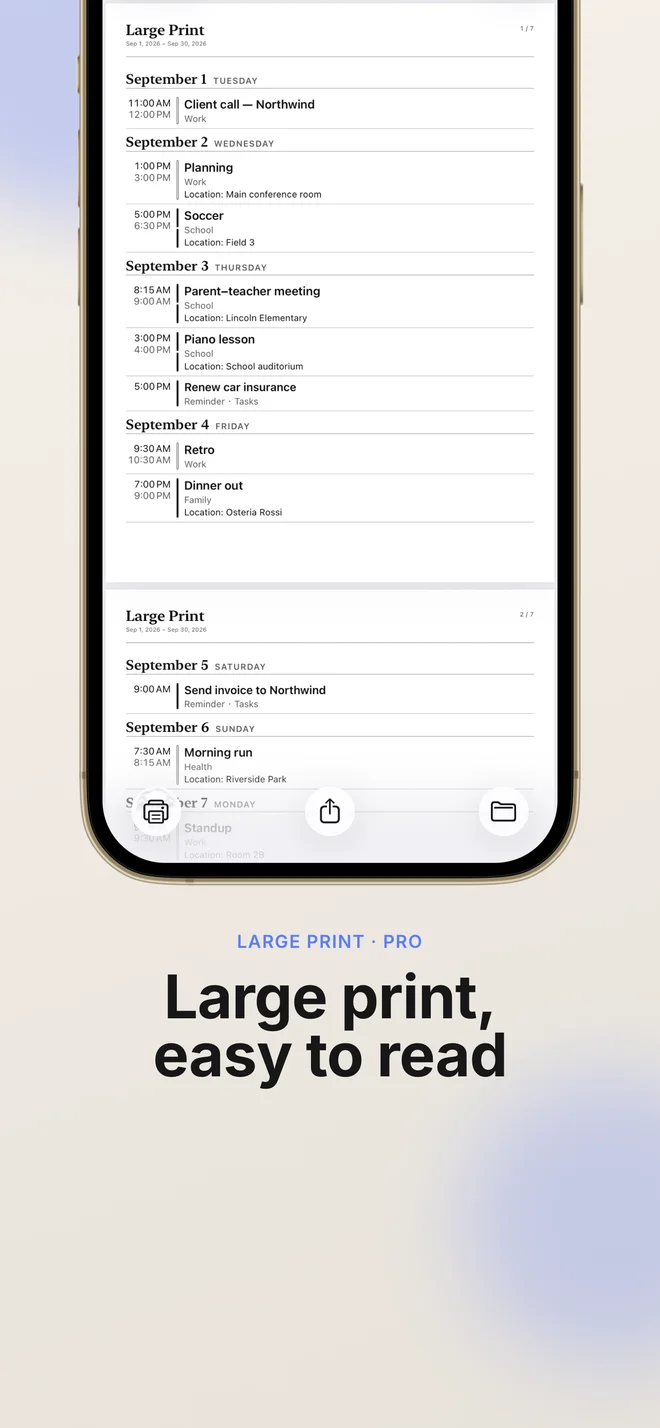
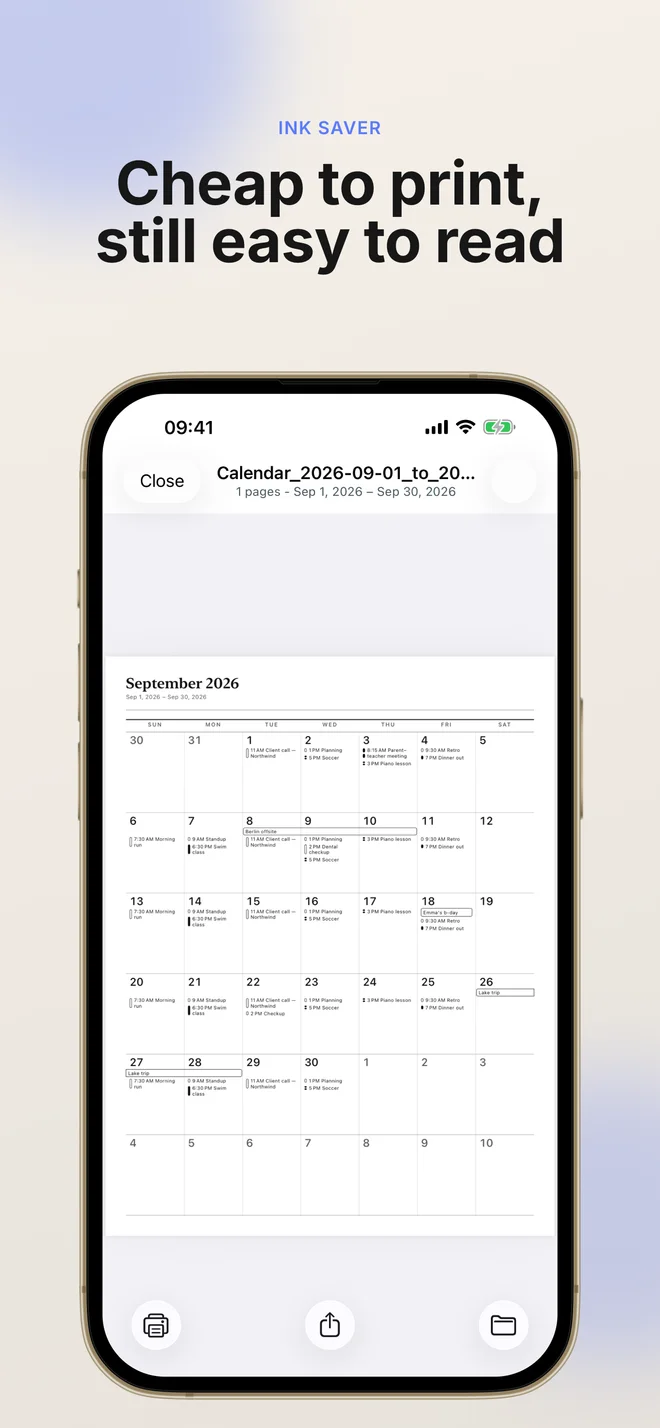
Two ways to get a printable calendar — pick the one that fits what you need right now.
Blank, ready-to-print templates
Your own schedule, on paper
Start from a template that matches how you actually use your calendar.
Color-coded family events on a monthly grid — perfect for the kitchen wall or fridge door.
Chronological list layout with locations and notes — ideal for tracking doctor visits and prescriptions.
Clean monthly overview of meetings and deadlines. Free to start — no Pro required.
Export a full year into a readable PDF archive you can save, search, and reprint anytime.
Extra-large text and generous spacing for easier reading — great for seniors or low-vision users.
Select any calendars and a date range, and Print Calendar PDF lays your events out as a clean, printable document.
FreePull in Reminders with due dates, locations, and notes so your to-dos print alongside your events.
ProChoose a classic month-at-a-glance grid or a chronological list layout, whichever reads best on paper.
FreeOne tap to carry over your calendars, layout, and paper settings — then generate next month's PDF in seconds.
FreeAdd appendix pages with full event notes, locations, and details — plus preview everything before you print or share.
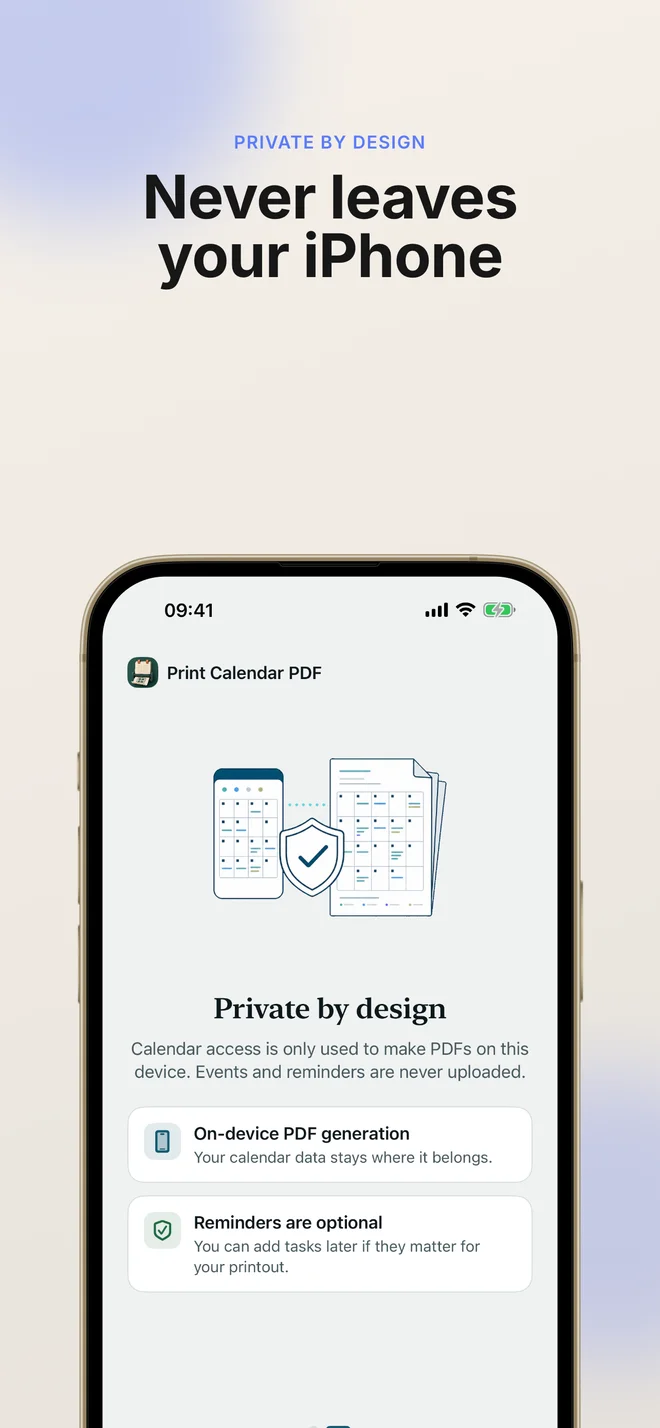
ProYour calendar and reminder data is processed locally and never uploaded. Export history stays on your device.
FreeDownload free and try your first export. Upgrade when you need unlimited exports and every layout option.
| Feature | Free | Pro |
|---|---|---|
| Export from Apple Calendar | ||
| Monthly grid & list layouts | ||
| Clean & Ink Saver visual styles | ||
| Quick Start next-month reuse | ||
| Local export history | ||
| 1 free PDF export to try | ||
| Unlimited PDF exports | — | |
| Reminders, notes & locations | — | |
| Premium visual styles & templates | — | |
| Large print & archive presets | — |
On first launch, allow the app to read your calendars (and reminders, if you want them included). Access stays on your device.
Choose the date range and which calendars or reminder lists to include in this export.
Select a monthly or list layout, paper size, orientation, and week start — then optionally add a detail appendix.
Review the PDF, then print it, save it, or share it. Past exports are kept in your local history to reopen anytime.
Free to download and try. Upgrade to Pro whenever you're ready — no account required.
Install the app and create your first printable PDF for free. Upgrade to Pro for unlimited exports and every layout option.
Full Pro access billed monthly. Cancel anytime.
Get it on the App StoreThe same Pro features at the lowest yearly price — works out to about $0.83 a month.
Get it on the App StoreUnlock Pro forever with a single purchase. No subscription, no renewals.
Get it on the App StorePrices are in USD and may vary by region. Subscriptions renew automatically until cancelled; manage or cancel anytime in your App Store account.
The website gives you blank, ready-to-print calendar templates you fill in yourself. The Print Calendar PDF app takes the real events and reminders already on your iPhone and turns them into a printable PDF. Use the website for a fresh calendar, and the app for a paper copy of your own schedule.
No. Print Calendar PDF reads your calendars and reminders on your device and generates the PDF locally. Your event titles, notes, and locations are never uploaded to Print Calendar Lab or any third party.
Print Calendar PDF requires iOS 17 or later and runs on iPhone. It's also available on iPad, Mac, and Apple Vision Pro. On iPad, you get a split view with settings on the left and a live PDF preview on the right.
The app is free to download and includes one free PDF export so you can try it. Pro unlocks unlimited exports and every layout option, available as a monthly ($2.99) or annual ($9.99) subscription, or a one-time Lifetime purchase ($19.99).
Yes — with Pro. Grant Reminders access and include reminders with their due dates, locations, and notes so your tasks print alongside your calendar events.
You can export a month-at-a-glance grid or a chronological agenda list, choose portrait or landscape, pick your paper size, set whether the week starts on Sunday or Monday, and add a detail appendix with full event notes.
Download Print Calendar PDF and turn your Apple Calendar into a clean, printable planner in seconds.