01
Set the options
Use the toolbar to choose the month and year, layout, paper size, orientation, week start and holidays.
This 2 month calendar puts two months on each page, one above the other in portrait or side by side in landscape. Six pages cover a full year. Pick the year and the first month, then print or save a PDF.
January
2026| SUN | MON | TUE | WED | THU | FRI | SAT |
|---|---|---|---|---|---|---|
| New Year's Day | ||||||
| Martin Luther King Jr. Day | ||||||
February
2026| SUN | MON | TUE | WED | THU | FRI | SAT |
|---|---|---|---|---|---|---|
| Washington's Birthday | ||||||
March
2026| SUN | MON | TUE | WED | THU | FRI | SAT |
|---|---|---|---|---|---|---|
April
2026| SUN | MON | TUE | WED | THU | FRI | SAT |
|---|---|---|---|---|---|---|
May
2026| SUN | MON | TUE | WED | THU | FRI | SAT |
|---|---|---|---|---|---|---|
| Memorial Day | ||||||
June
2026| SUN | MON | TUE | WED | THU | FRI | SAT |
|---|---|---|---|---|---|---|
| Juneteenth | ||||||
July
2026| SUN | MON | TUE | WED | THU | FRI | SAT |
|---|---|---|---|---|---|---|
| Independence Day (substitute day) | Independence Day | |||||
August
2026| SUN | MON | TUE | WED | THU | FRI | SAT |
|---|---|---|---|---|---|---|
September
2026| SUN | MON | TUE | WED | THU | FRI | SAT |
|---|---|---|---|---|---|---|
| Labor Day | ||||||
October
2026| SUN | MON | TUE | WED | THU | FRI | SAT |
|---|---|---|---|---|---|---|
| Columbus Day | ||||||
November
2026| SUN | MON | TUE | WED | THU | FRI | SAT |
|---|---|---|---|---|---|---|
| Veterans Day | ||||||
| Thanksgiving Day | ||||||
December
2026| SUN | MON | TUE | WED | THU | FRI | SAT |
|---|---|---|---|---|---|---|
| Christmas Day | ||||||
The page opens with January and February of the current year on the first page, stacked in portrait so each month gets the full width of the sheet. The calendar runs for 12 months, so you get six pages: January–February, March–April and so on. Set Start Month to begin with any other month, for example September for a school year, and the pages continue into the next year.
Two months per page is a middle ground: the date boxes are big enough for a word or two, and you can see the next month without turning the page. Switch Orientation to Land to place the months side by side, or set Month to a single month to print just that month and the one after it on one sheet.
Press Print or Download PDF. There is nothing to sign up for, and nothing is added to the page you print.
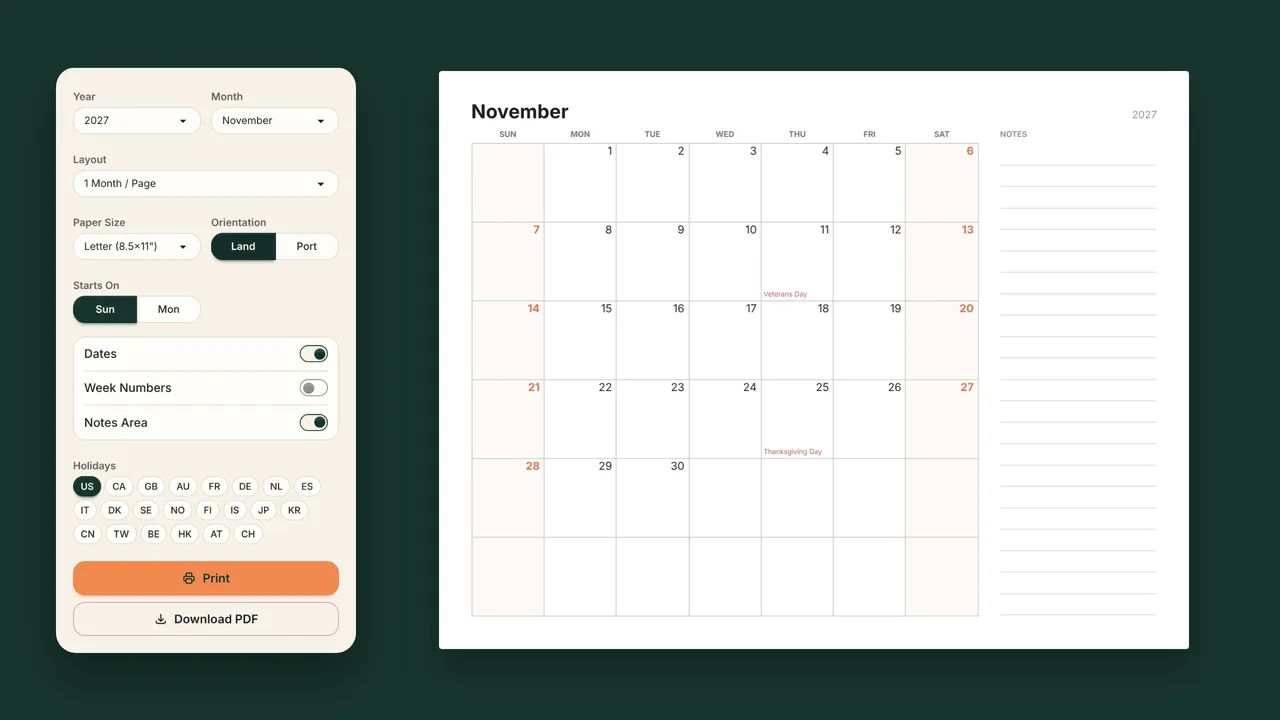
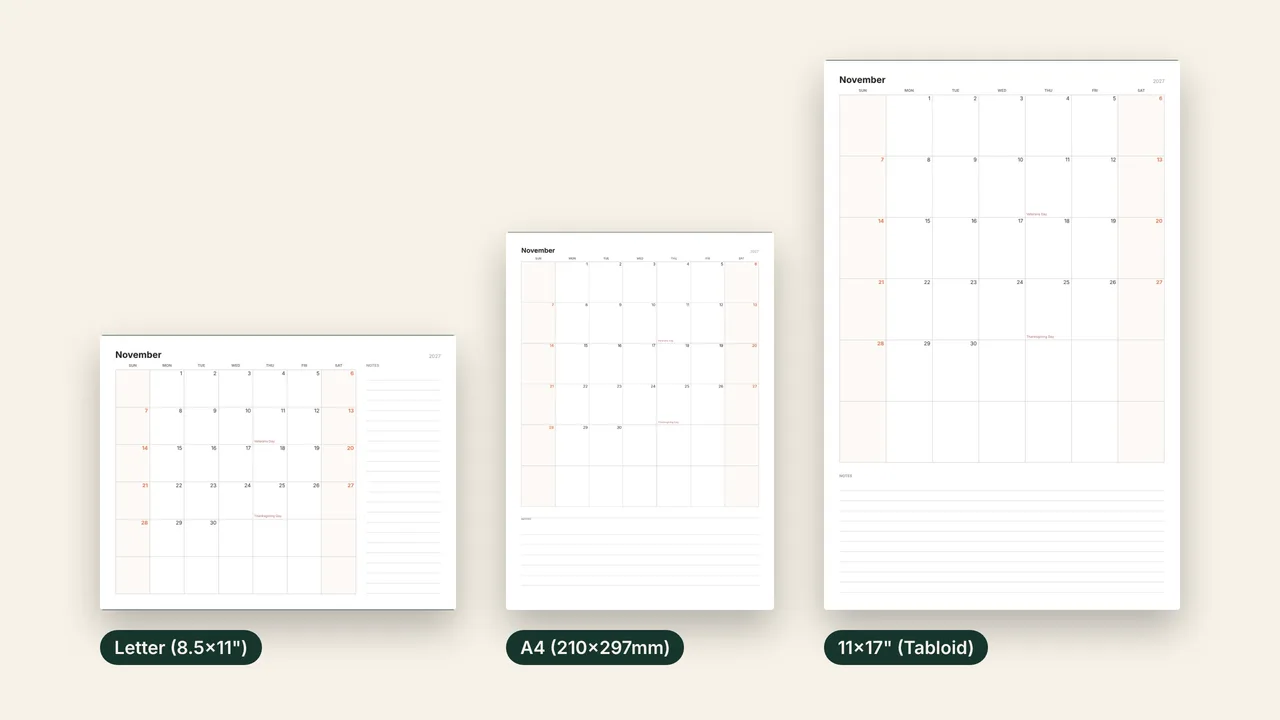
Choose the paper size and orientation in the toolbar. US Letter is the default. The PDF is drawn as vector graphics, so it prints sharp at every size.
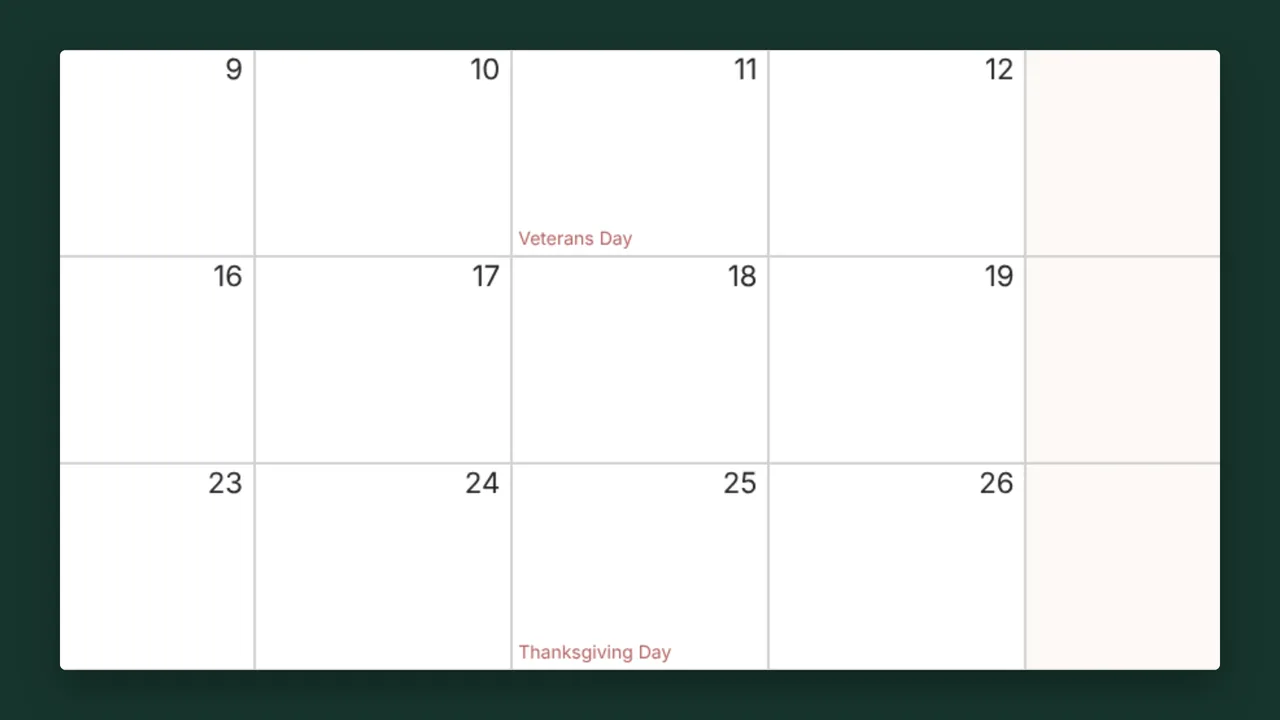
US federal holidays are on by default. Switch to Canada, the UK, Australia, Germany, Japan or 16 other countries, combine several, or turn holidays off.
Use the toolbar to choose the month and year, layout, paper size, orientation, week start and holidays.
The preview changes as soon as you change an option, and the printout matches it.
Print opens your browser's print dialog. Download PDF saves the file to your device.
This page already does: Layout is set to 2 Months / Page. Choose the year and the first month, check the preview, then press Print or Download PDF. In portrait the months are stacked; in landscape they sit side by side.
Yes. Set Month to the first of the two months. The calendar then prints a single page with that month and the following one.
On Letter or A4 portrait, each date box is about 1.1 inches wide, enough for a short note or an appointment time. For more room, print on 11×17 paper or use one month per page.
US federal holidays are on by default, with the name in the date box. Choose another country, combine several, or turn holidays off in the toolbar.