Printable monthly calendar
Make a clean one-month calendar with a wide grid, optional notes area, and instant PDF download.
Make a October 2026 calendar
Create your own calendar online in seconds. Pick a month or full year, choose a layout, add holidays, switch between Sunday and Monday start, then print your calendar or download a crisp PDF. No signup and no watermark.
Use the calendar maker below to build a printable calendar for home, school, work, planning walls, binders, and habit tracking.
October
2026| SUN | MON | TUE | WED | THU | FRI | SAT |
|---|---|---|---|---|---|---|
NOTES
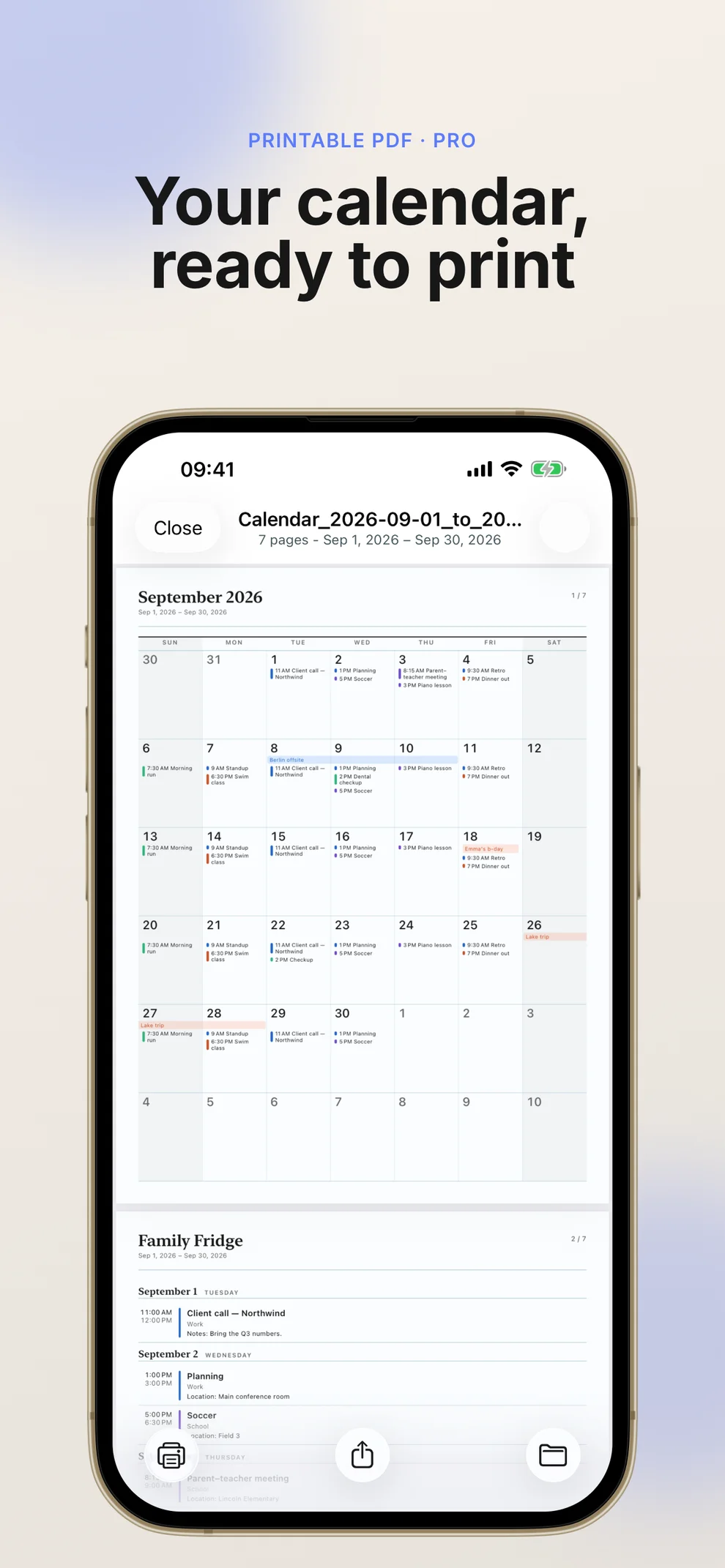
Skip the blank template. Print Calendar PDF exports your real schedule as a printable PDF — events, reminders, and all.
Learn about the iOS appStart from a blank preview, then shape the calendar around the way you plan.
Make a clean one-month calendar with a wide grid, optional notes area, and instant PDF download.
Create a calendar for assignments, exam weeks, term planning, classroom boards, and student routines.
Build a simple printable calendar for deadlines, meetings, project milestones, and office schedules.
Print a shared calendar for appointments, chores, meals, events, trips, birthdays, and weekly coordination.
Turn off holidays and use the PDF as a blank calendar template for handwriting, journaling, or custom notes.
Switch the week start from Sunday to Monday when you need a European or business-style calendar layout.
Everything happens in your browser, so the preview stays quick and your file is ready when you are.
Choose one month per page, two months per page, quarterly, half-year, or a 12-month annual view. The calendar maker updates the preview as soon as you change a setting.
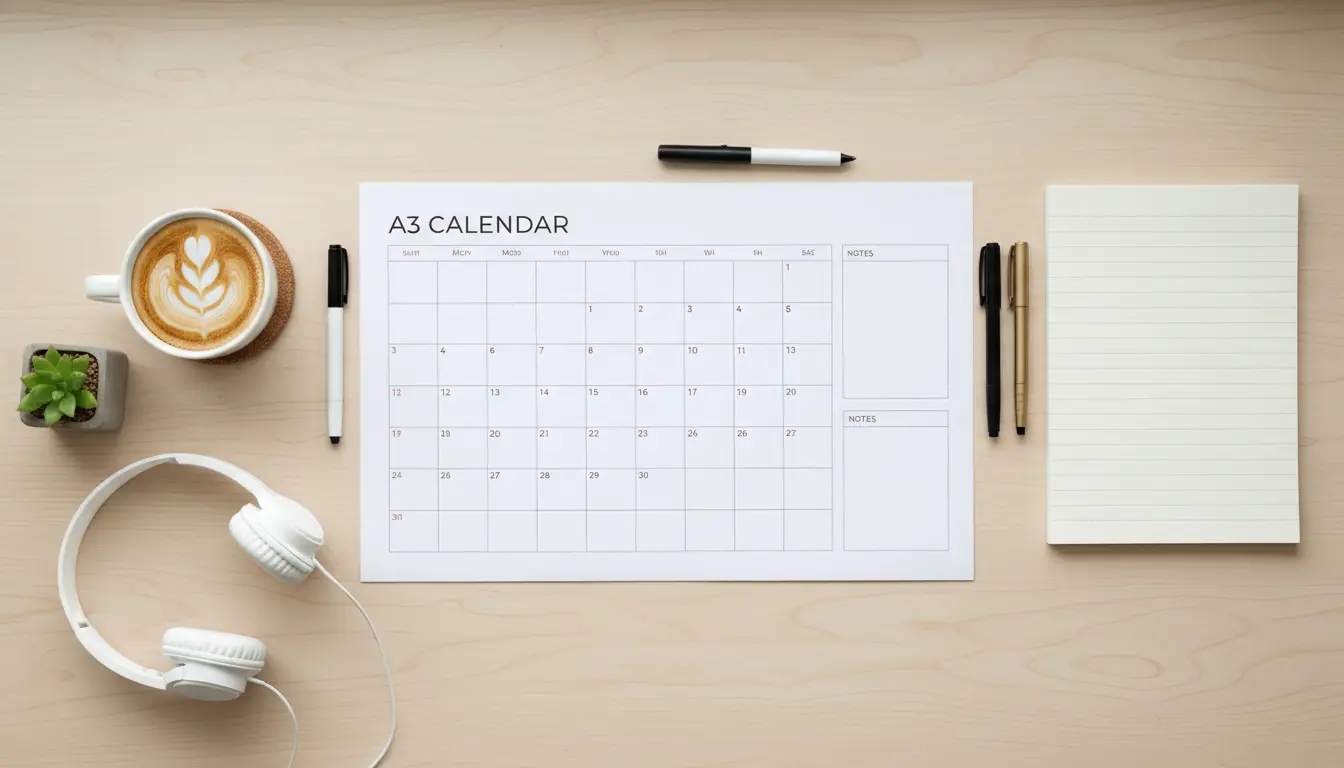
After you create your own calendar, download a sharp PDF that is ready for US Letter, A4, or Tabloid paper. Text and lines stay crisp because the calendar is generated as vector artwork.
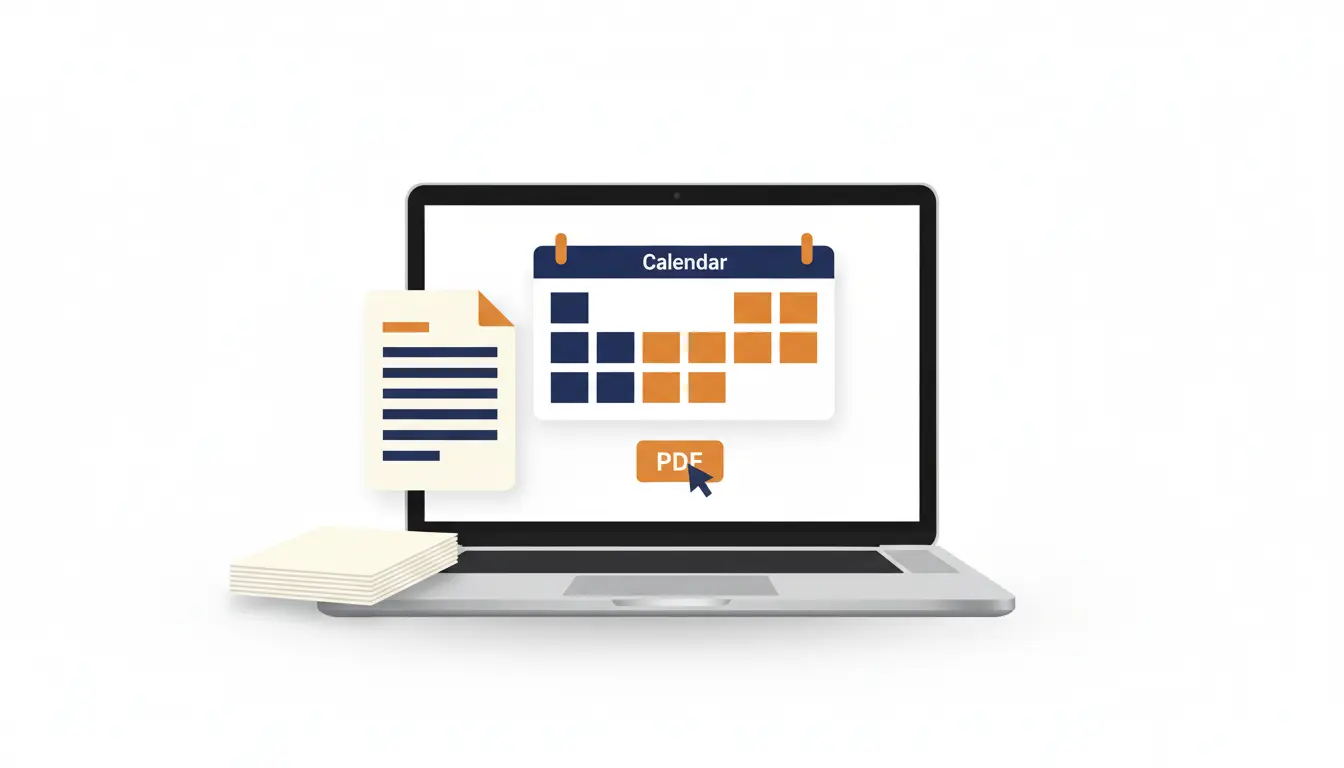
No signup, no email gate, and no watermark. Open the calendar maker, adjust the options, and print from your browser whenever the calendar looks right.
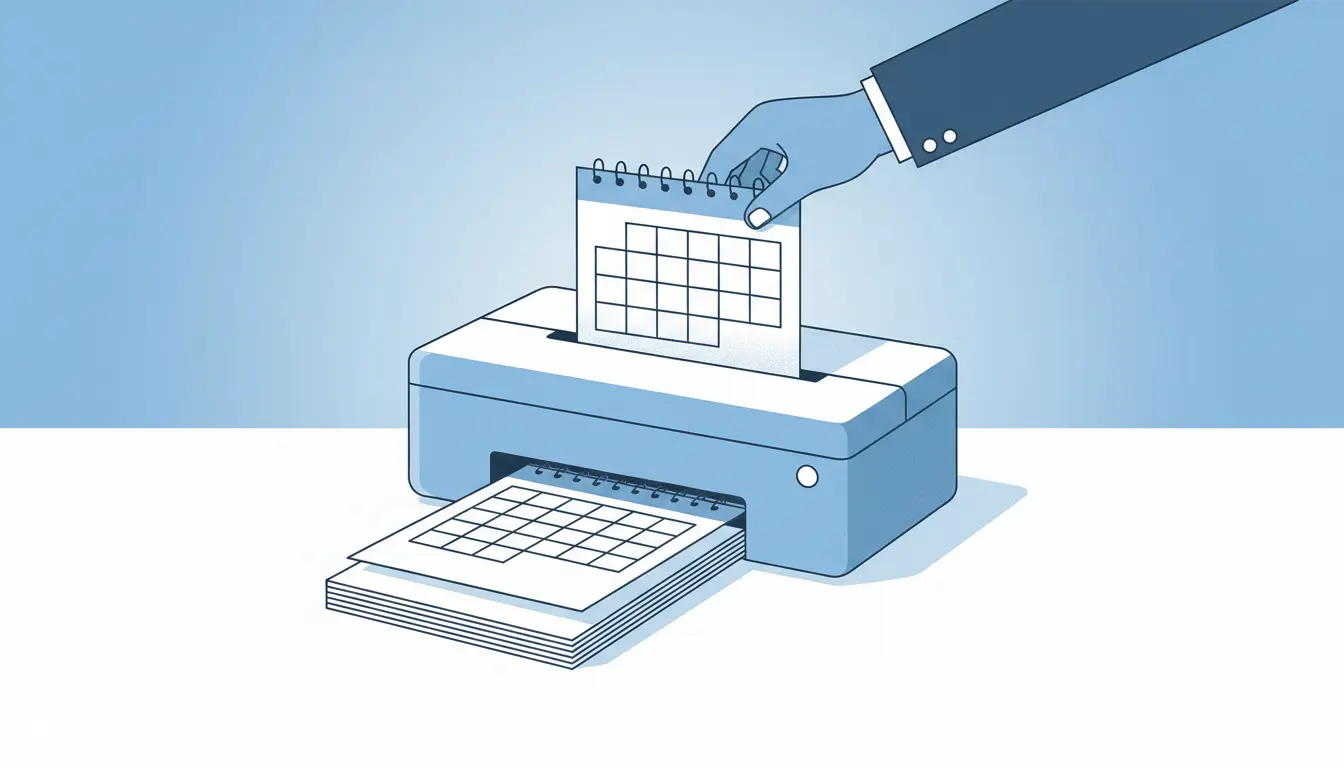
The workflow is intentionally simple: choose, preview, print.
Select a single month for a classic printable calendar, or leave the month unset to make a full-year calendar.
Use the layout control to create one month per page, two months per page, quarterly, half-year, or yearly views.
Choose US Letter, A4, or Tabloid paper, switch between landscape and portrait, and set the week to start on Sunday or Monday.
Toggle public holidays for supported countries, or keep the calendar blank when you want a simple writable grid.
Click Print to use your browser print dialog, or Download PDF to save the calendar for later.
Prefer a focused template? Jump into one of these ready-made printable calendar formats.
Start with a one-month printable calendar and customize the date, notes area, orientation, and paper size.
Create a full-year calendar on one page for wall planning, annual goals, and project timelines.
Make a plain calendar grid with no pre-filled holidays, perfect for writing your own schedule.
Create a printable calendar with public holidays already marked for supported countries.
Use a calendar layout where each week starts on Monday instead of Sunday.
Create a print-ready PDF calendar for sharing, archiving, or printing later.
Answers for people who want to create their own printable calendar.
Yes. You can create, print, and download printable calendars for free. There is no account requirement and no watermark on the PDF.
Yes. The calendar maker can add public holidays for supported countries. You can also turn holidays off when you want a blank writable calendar.
Yes. Use the Starts On control to switch the calendar between Sunday start and Monday start.
You can create one-month calendars, two-month calendars, quarterly calendars, half-year calendars, and one-page yearly calendars.
Yes. Click Download PDF after you create your calendar. The file is designed for clean printing on US Letter, A4, and Tabloid paper.
No. The printable calendar maker runs in your browser, so you can create and print calendars without installing software.
Use the free calendar maker to build a printable calendar, then print it or save it as a PDF.